

Your vision. Your shot. Your master cut. MasterGrade PRO brings cinematic presets, color science, and lens language directly into your GenAI workflow, translating how you see a frame into production-ready, cinematic output.
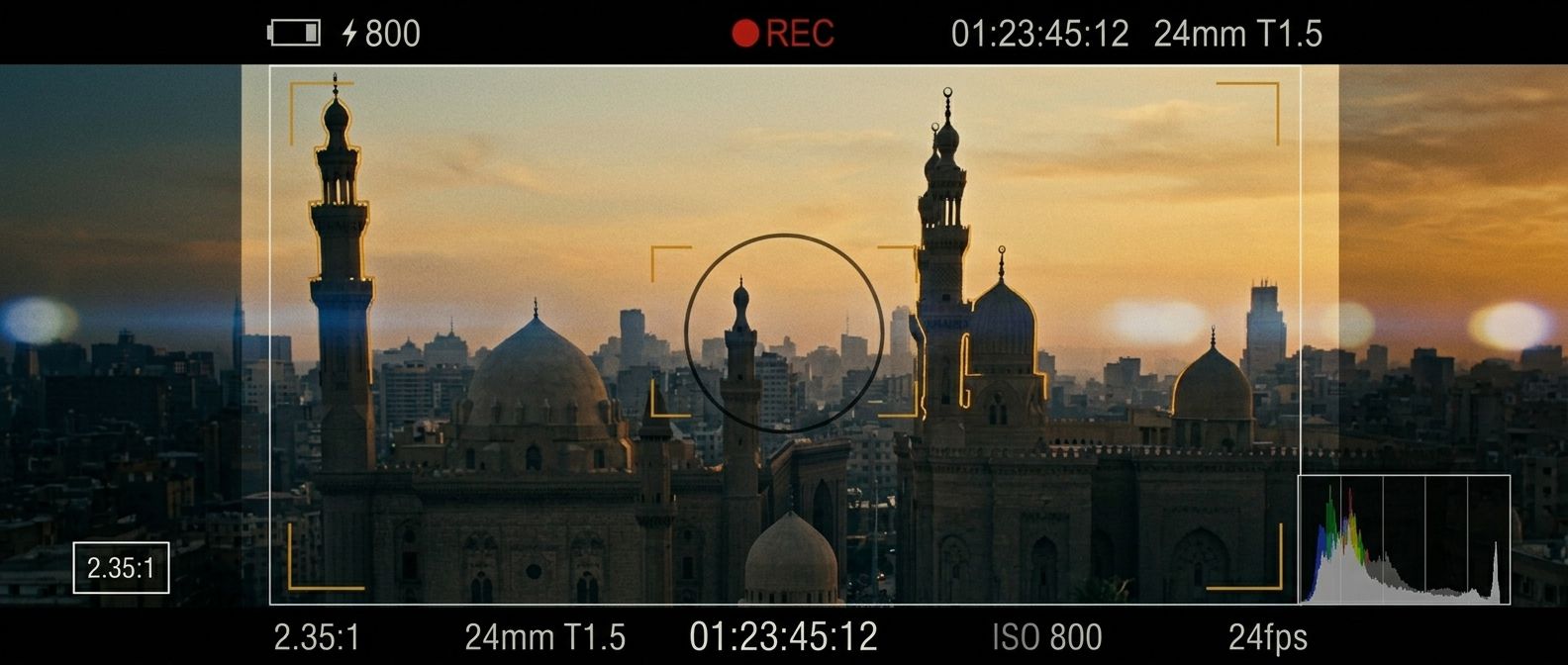
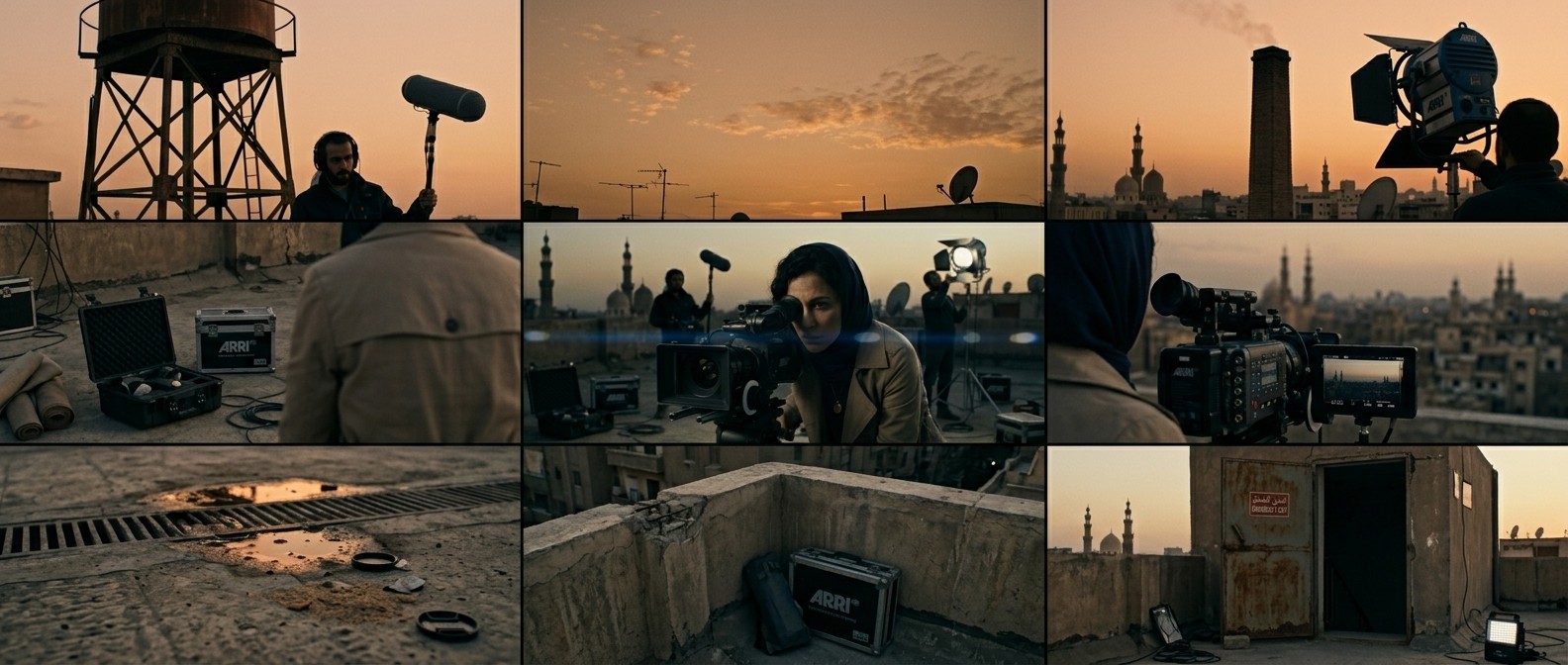
MasterGrade is for the professional who speaks cinematography — focal lengths, T-stops, color temperature, shot grammar — and expects their tools to do the same. It translates your vision into the exact technical specifications that production-grade generative models execute on. That knowledge is embedded in the system, entirely in service of the frame. Every scene is constructed to your specs, holding your creative brief through every take.
Think of it as an AI that went to film school. You describe your shot in plain language or bring it in from a script. The AI Director builds the scene brief: focal length, depth of field, color temperature, atmospheric conditions, shot grammar... the full technical specification, assembled in seconds, ready in the vocabulary that production-grade GenAI models are trained to execute on.
It knows the difference between a 35mm anamorphic at T1.4 and a 50mm spherical at T2.8. It understands what Kubrick did with negative space and what Néstor Almendros did with available light. That knowledge is embedded, and the AI Director routes your intent through it. What you then create with it is what becomes your art.
Using precise tools, the result often lands right on your first or second take. When it doesn't, you iterate: adjusting focal length, stop and glass, depth cues, and compositional geometry. If you're chasing a specific look — Deakins' horizontal bounce light, Lubezki's magic-hour window — you keep pushing and it keeps building until you reach perfection. The AI Director gives you unlimited iterations.
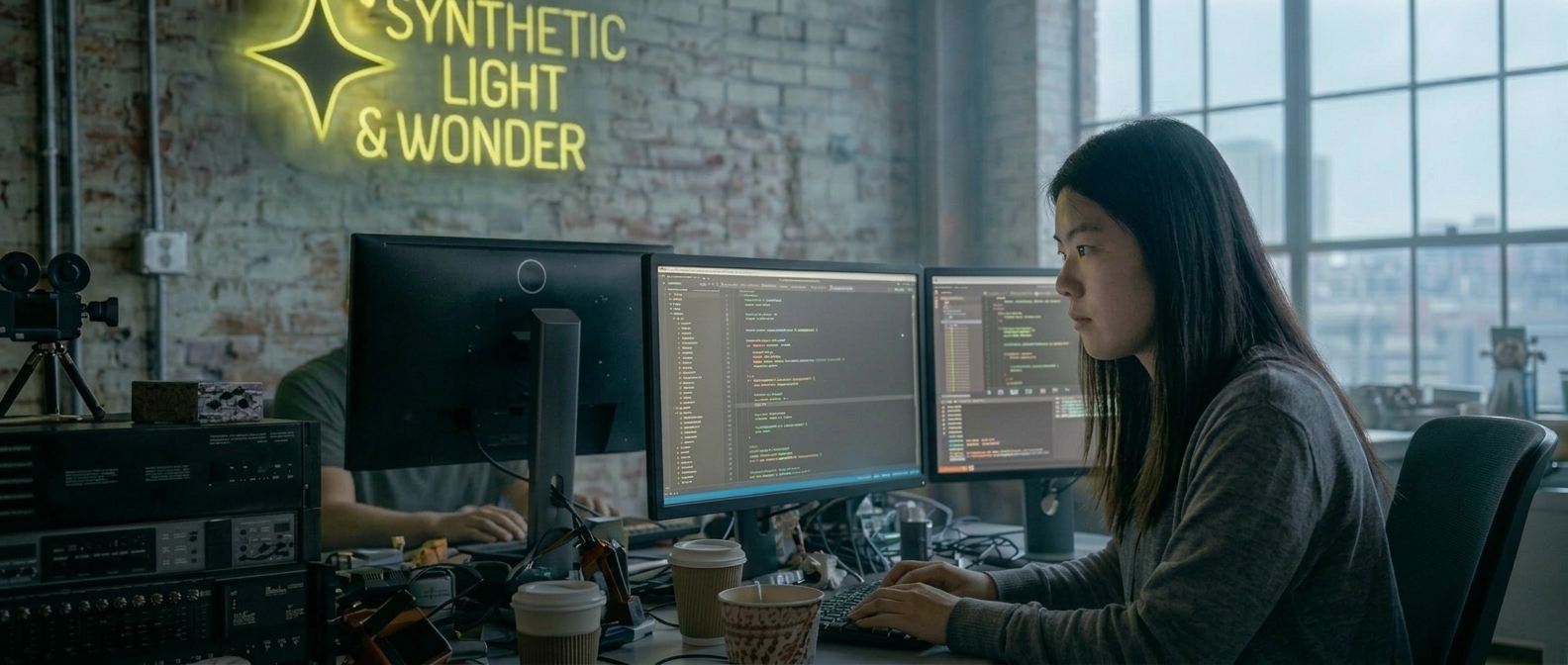
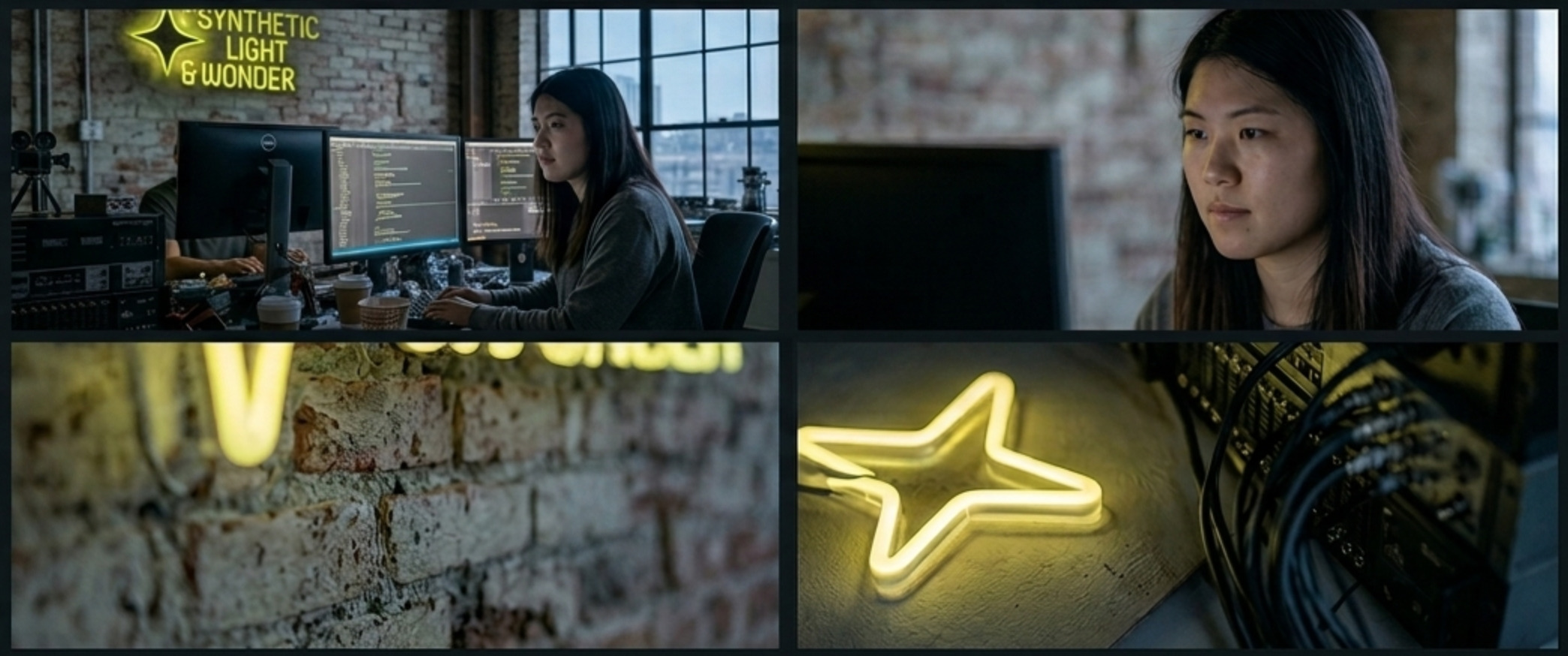
MasterGrade's code development is steered by Synthetic Light & Wonder. Its core runs on an open collective that is CC0 at the individual level, copyleft at the collection level, and based on three firm and proven principles:
MasterGrade is built on the same open-core concept that drives WordPress and Blender.
The
foundation is free, fully featured, and stays that way forever. The Pro tier funds the
development that
makes the foundation better for everyone.
Start free. Upgrade to PRO only when you need what it adds. If you know DaVinci Resolve, you already understand the tiers: a professional-grade tool, free to use, where the larger value comes from the ecosystem it builds.
Open architecture with BYOK (Bring Your Own Key) and flexibility for Power Users
|
Community Edition |
Pro 2.0 | Enterprise | |
|---|---|---|---|

The AI Director is powered by a text model (LLM) that interfaces with what you
tell it in plain language and what the MasterGrade data knows about still
composition and cinematic setups. It reiterates to construct prompts and
distill scene data, and you can do so continously to dial in the exact scene
step by step. You can either use the LLMs that are built in or bypass them
with BYOK. For the models which MasterGrade provides out of the box, the
Community Edition has a usage quota (resets daily). There are no usage
limits with BYOK usage. There are also no limits on Pro: Use unlimited.
|
Limited
Quota or
unlimited w/BYOK
info
Limited daily quota included at no cost. Upgrade for unlimited, or Bring Your Own Key to use unlimited without upgrading. |
Unlimited
info
AI Director uses a list of included LLMs to construct scenes for GenAI image and video models. Pro comes with unlimited generations included at no extra cost (no BYOK required). |
Unlimited
info
AI Director uses a list of included LLMs to construct scenes for GenAI image and video models. Pro and Enterprise tiers come with unlimited generations at no extra cost. |

Bring your own API keys to generate keyframes and reference images without
leaving MasterGrade. For the Pro version, a daily quota is provided for
image generation so no API key is needed and you can use the built-in
options out of the box, but BYOK is available as well for when you need to
bypass the limits.
|
BYOK |
Limited
Quota or
unlimited w/BYOK
info
Limited daily quota included. Choose from a curated list of selected models at no extra cost or add any model of your choice with BYOK. (Unlimited images with BYOK) |
Unlimited
info
Choose from a curated list of selected models included at no extra cost or add any model of your choice with BYOK. |

Bring your own API keys or pair with a subscription to create video from text or images using
external models. Select any model. For video, BYOK is always required as no
video credits are included out of the box.
|
BYOK | BYOK |
PAYG
or BYOK
info
PAYG: Enterprise accounts "Pay As You Go" fal.ai pricing, wholesale discounts applied when available. BYOK: "Bring Your Own Key". Choose your own model provider, pay only for what you use. |

Check "Audio" to have MasterGrade direct immersive sound design, lip-sync
and dialogue, and score generation.
Audio is generated either separately or together with video using using
external models. BYOK is always required as no audio credits are included
out of the box.
|
BYOK | BYOK |
PAYG
or BYOK
info
PAYG: Enterprise accounts "Pay As You Go" fal.ai pricing, wholesale discounts applied when available. BYOK: "Bring Your Own Key". Choose your own model provider, pay only for what you use. |
Bring your own key to choose your provider and best-performing GenAI models. Switch freely at any time.
Work with your favorite tools without changing your existing flow. Integrate MasterGrade with the platforms and providers you already use. Select the models you prefer. Pay only for what you use or pair it with your existing subscription at no extra cost.

Synthetic Light & Wonder is a production technology lab building free and collaborative tools for the next era of cinematic expression. MasterGrade Pro is our open-core platform, integrating generative AI into professional NLE workflows with cinematic presets, color science, lens language, and AI-assisted scene direction.
We welcome collaborators, contributors, custom integrations, and enterprise partnerships.
Contact us here.
Password recovery is temporarily disabled. If you need urgent assistance, please contact support.
If an account exists, a recovery link has been dispatched.
Auto-closing in 20s
The MasterGrade beta is at full capacity. New account registration is temporarily disabled while we add more server slots. Please check back in a few weeks.
Already have an account? Log in here
By signing up, you agree to our Terms & Conditions
We've received your inquiry and will get back to you shortly.
Auto-closing in 20s
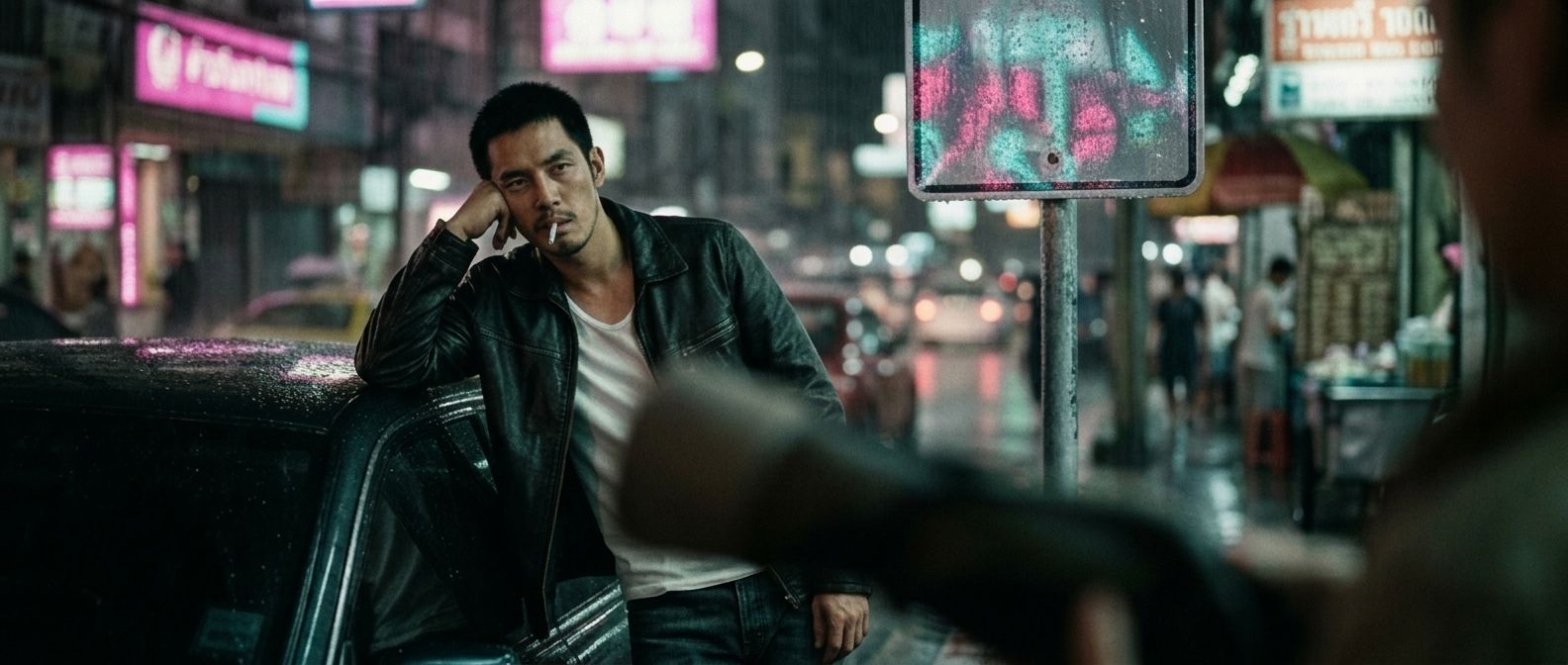
Module // AI Director // Reference Image
Module // Synthetic Light & Wonder // Open collective code development
Module // AI Director
